

Creating a short, 10-second AI clip is easy. Crafting a consistent, emotionally resonant 5:22 minute cinematic music video with an actual narrative arc? That requires sitting firmly in the director's chair.
I recently wrapped production on a Neo-Noir AI short film, utilizing state-of-the-art video generation models (like Veo 3.1). The project followed two characters—Jack and Lucas—through a moody, rain-slicked night, culminating in a highly emotional, intimate reunion.
Along the way, I encountered the typical boundaries of current AI video generation: spatial confusion, pacing issues, and the dreaded "spaghetti limbs" during physical contact. Here are the top 5 practical lessons I learned for directing AI to achieve cinematic continuity.
Early on, I tried to make one character walk towards another by feeding the AI a start frame and a drastically different end frame. The result? Total spatial confusion. The AI's "brain" broke trying to reconcile the geometry, resulting in weird walking directions and warped backgrounds.
The Fix: Rely on traditional filmmaking techniques. Whenever characters need to interact in a space, generate a clean, wide Establishing Shot first. Show the geography of the scene (e.g., Car on the left, Door on the right). Once the AI understands the spatial relationship in a single image, animating a character walking through that space becomes infinitely smoother.
AI models love repetitive, mechanical tasks. If you prompt a character to "search their pockets for keys," the AI might happily keep them doing that for 10 seconds, killing the emotional tension of the scene.
The Fix: You have to force the pacing. Instead of letting the action drag, use explicit timing triggers in your text prompts. Phrases like "almost immediately senses a presence" or "suddenly freezes and turns" shift the AI's focus from the mechanical action to the emotional reaction. This keeps the story moving and prevents scenes from feeling static or accidentally comedic.
When Jack finally approached Lucas, trying to animate both characters interacting in a wide shot caused the AI to move them toward each other like magnets—completely ruining the narrative dynamic of the scene.
The Fix: Isolate the emotions. I broke the complex interaction down into extreme close-ups (ECUs). First, a shot of Lucas turning around, his face lighting up with a radiant smile (with Jack off-screen). Then, a reverse close-up of Jack looking back with intense affection. By focusing purely on micro-expressions in separate shots, you bypass the AI's struggle with dual-character movement and create a much deeper emotional connection with the audience.
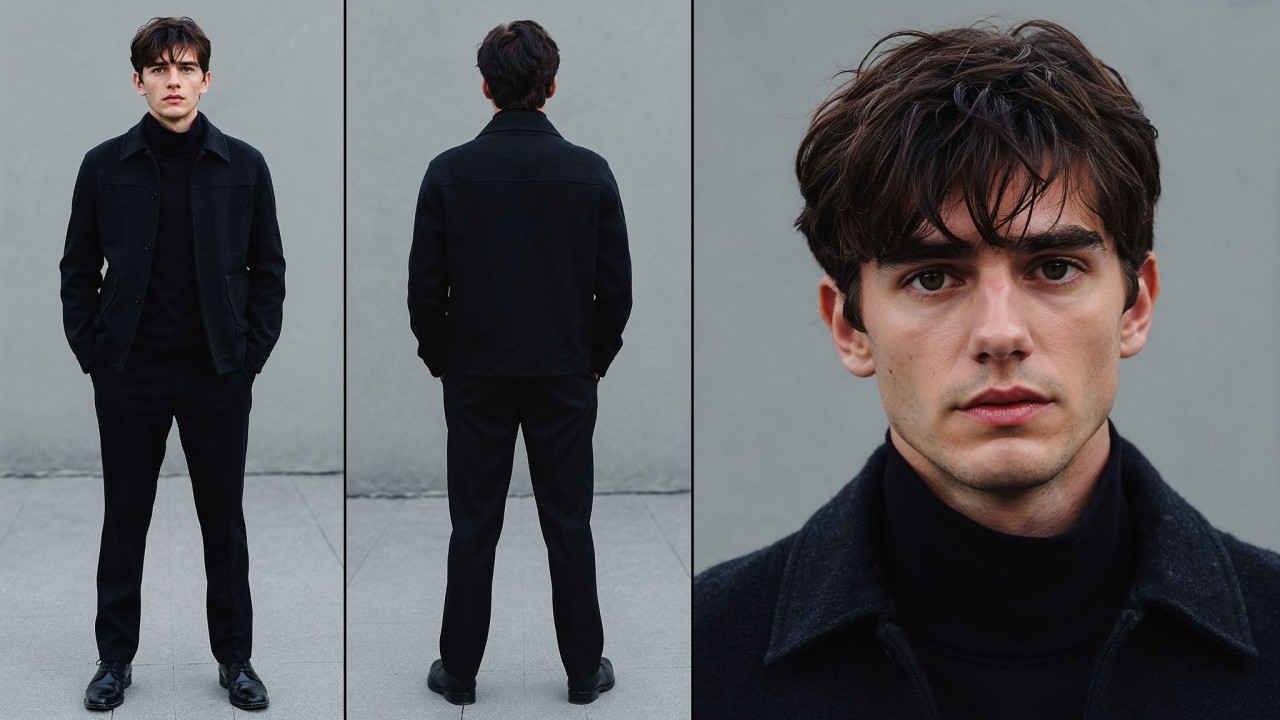
Physical contact is the final boss of AI video generation. Hands merge, faces melt, and limbs tangle. For the climactic kissing scene, a careless prompt will result in a visual disaster.
The Fix: * The Anchor Image: Always start with a strict Profile Shot where the characters are already standing inches apart. If the AI can clearly see the side-profile boundaries of both faces, it is less likely to morph them together.
AI models are enthusiastic but prone to hallucinations. If you mention "Neo-Noir," it will almost always force rain into the scene. If you ask for an "open door," it might suddenly generate a grand, swinging double door where only a single apartment door existed before.
The Fix: Be aggressively specific with your constraints.
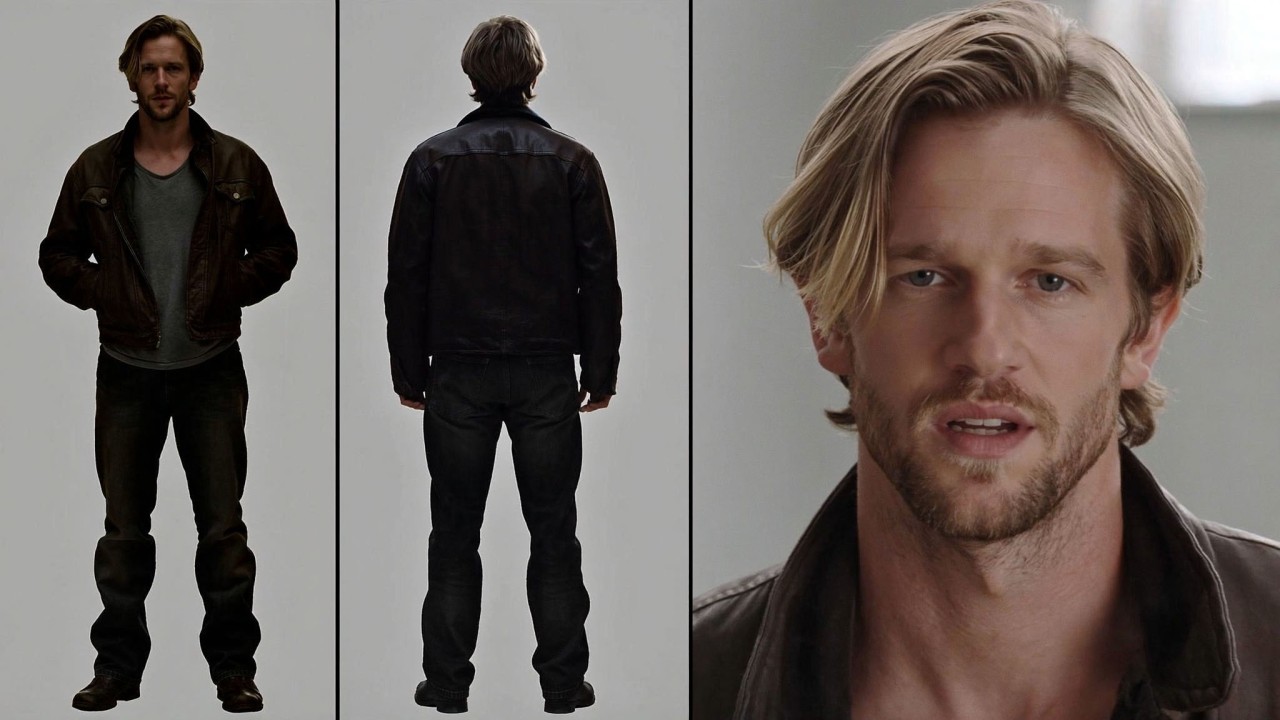
Conclusion: The Human Element
Generative AI is an incredibly powerful camera, but it is a terrible director. It has no intrinsic understanding of spatial continuity, narrative pacing, or human emotion. To get a truly cinematic result, you have to apply traditional filmmaking rules—lighting, framing, shot-reverse-shot, and precise blocking.
The tool generates the pixels, but the vision, the patience, and the emotional core of the film must still come entirely from you.
When you subscribe to the blog, we will send you an e-mail when there are new updates on the site so you wouldn't miss them.


Comments